
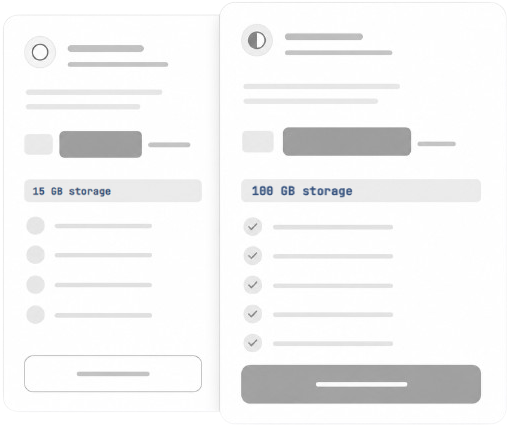
May suitable for who may want to explore basic features for a limited time.
- 1 GB storage · 24 hours
- Access to core features for short-term use.
- Quick setup with no long-term commitment.
- Simple plan to explore basic platform use.
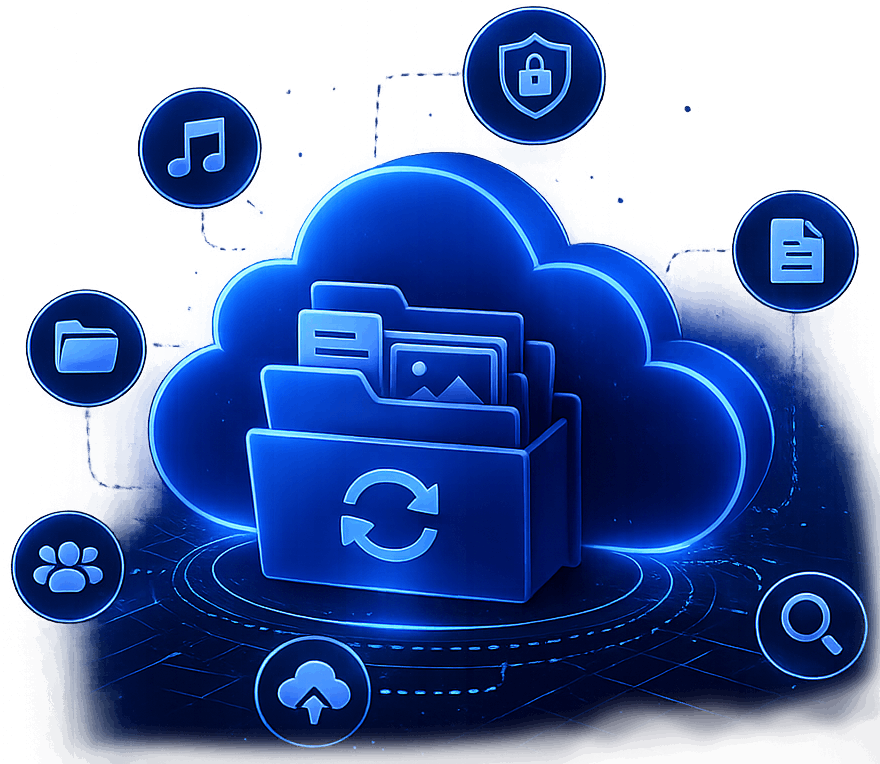
With Datas Vault easily browse and manage your files. With various storage options that may help keep your data organized and accessible as part of your everyday workflow.
Organize and manage files in a structured way that may help users keep their digital content arranged and easier to locate when needed.
File transfers may be handled with optimized speed, depending on network conditions and file size.
Files and access points may be protected using password-based security measures that could help limit unauthorized access and support safer data handling practices.
Search functionality that may allow users to locate files across their storage space by using keywords, names, or other identifiable file details.
No complex onboarding or lengthy tutorials. Just a few simple actions to get started and begin organizing your files with effortless ease.
Get Started NowSign up to create an account that may give you access to basic storage features and informations.
Select a plan that may align with your storage needs and everyday usage preferences.
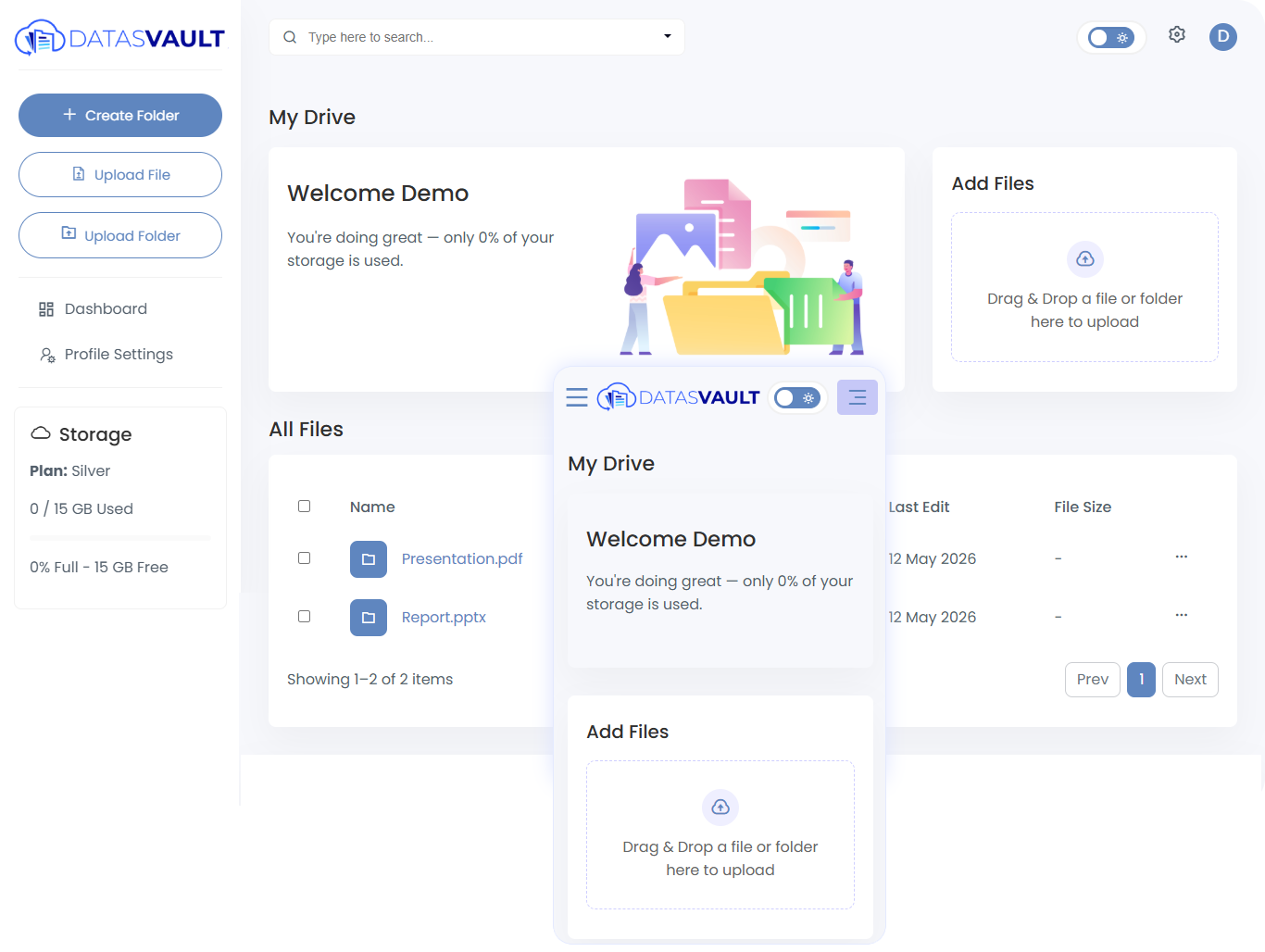
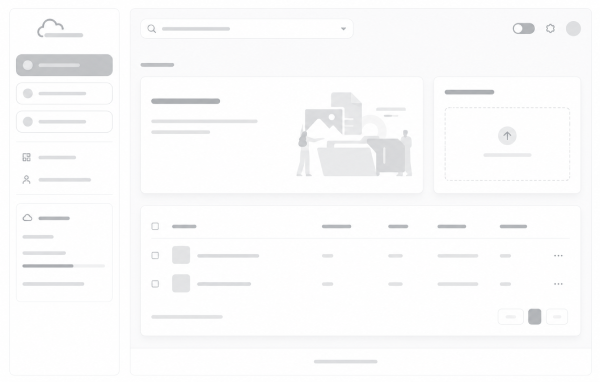
Access a dashboard that may help you manage files, settings, and storage options in one place.
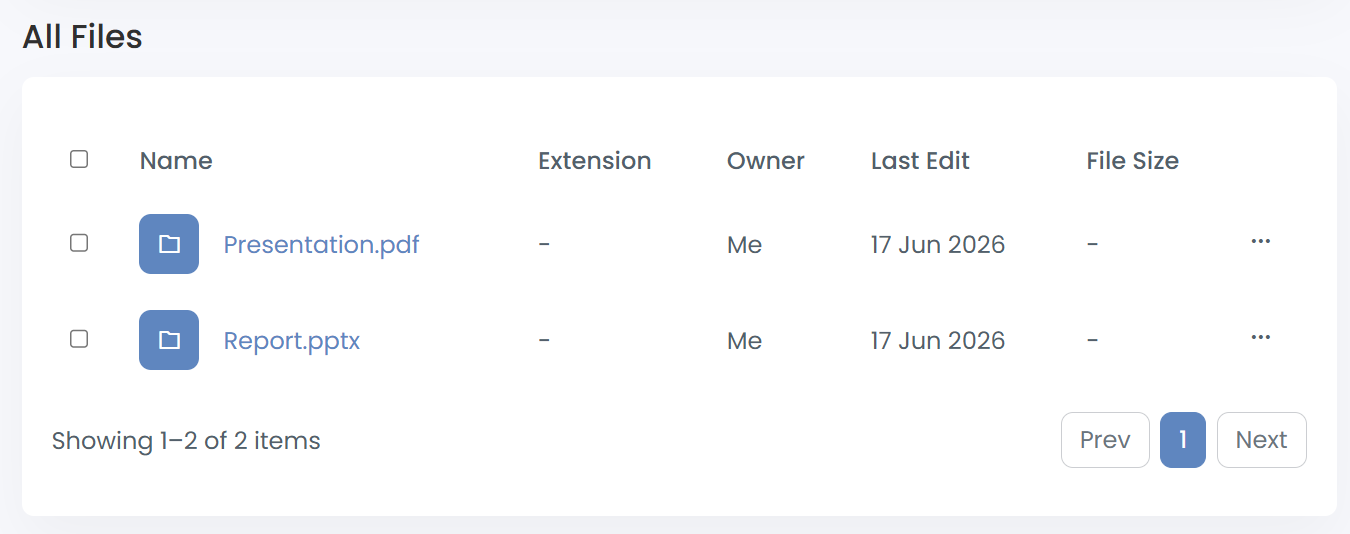
Drop files and arrange them in folders that may help keep your content structured and easier to access.
A variety of storage options may be available to accommodate different file management preferences and evolving storage requirements.
Built-in organization tools could help users arrange, categorize, and locate files more efficiently within their storage space.
Stored files may be accessible through a centralized platform, helping users manage and review content whenever needed.
May suitable for who may want to explore basic features for a limited time.
May suitable for individuals just getting started.
May suitable for power users and small teams who need more.
May experience full-featured solution for growing teams.
High-volume usage may suitable for enterprise teams.
Everything you need to know about Files in Cloud. Can't find what you're looking for? May Our team is just a message away.
Our friendly support team May just a message away and ready to help.
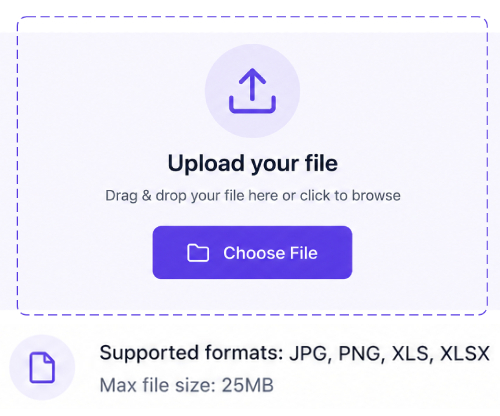
Send Your QuestionUsers may store a variety of file types, including documents, images, videos, audio files, archives, and other digital content. Supported file types may vary depending on available features and the selected storage plan.
Security measures may be in place to help protect stored data, though the level of protection can depend on system configurations and user practices.
Plan changes may made at any time. Existing files remain accessible based on your account status and the terms of your selected plan. Upgrades typically take effect promptly, while downgrades may require your usage to align with the limits of the new plan.
If your storage limit is reached, may you will be notified within the platform. You may choose to upgrade your plan or free up space to continue uploading new files. Existing files will remain accessible within your account.
The storage options may be explored by individuals, teams, or businesses depending on their workflow and file management preferences.
You may start with one day plan, may add space as you grow and keep every file organized in one place. Setup may takes a minute.